
- Select Hotel & Car Reports from the submenu.
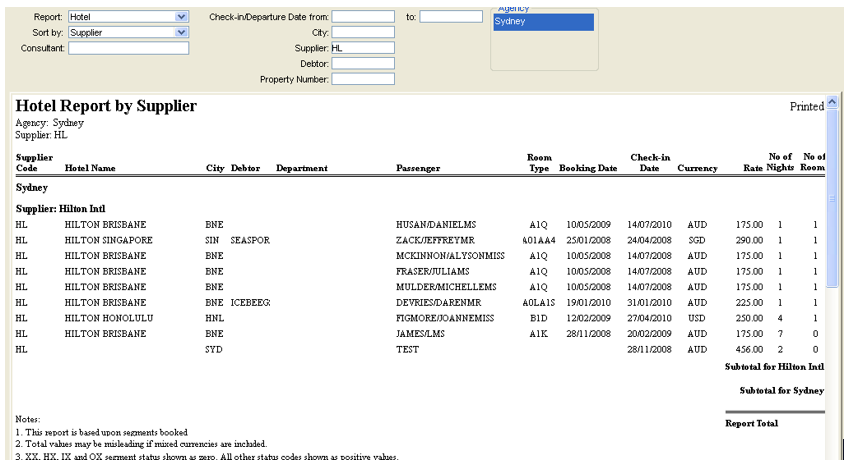
- Complete the following fields as required:
- Report
- Select Hotel or Car.
- Sort By
- Choose the way the report is categorised from the Sort by criteria:
- Supplier (default)
- Debtor
- City Property Number (for Hotels)
- Check-In/Pick-Up Date
- Choose the way the report is categorised from the Sort by criteria:
- Check-in/Departure Date from/to
- Enter the dates required.
- City
- Enter the IATA three letter city code or double click this field to display a search list.
- Supplier
- Enter the supplier code or double click this field to display a search list.
- Debtor
- Enter the Debtor ID code or double click this field to display a search list.
- Property Number
- Enter the Hotel Property number. This is a text free field.
-
Click on the Retrieve button to display the data. Use the scrolls to move through the report details and remember to move to the bottom to read the notes about the inclusions.
-
Click on the Clear button to remove the data and enter new filters, then click on Retrieve. The bookings where the client is paying direct to the hotel still show on the Hotel report, however the total is zero.