Forgotten Password
If the agency has PCI compliance features switched off (explained later in this guide) and the supervisor user has forgotten their supervisor password, they will have to contact the Travelport Help desk for assistance.
If the agency has switched on PCI compliance in the database, the supervisor password can be reset via selection of the Supervisor ‘Locksmith’ feature.
Change My Password
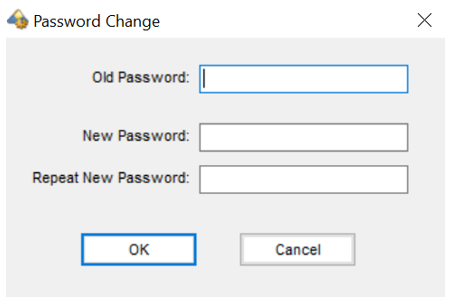
If the user responsible for the Supervisor login wishes to change the Supervisor password, they must first log in with the existing password, click on the Tools menu and select Change my password. The old, new and repeated new passwords can then be entered.