
All items in the My Files can be updated by right clicking on the relevant folder and selecting one of the following actions from the drop-down list:
Refresh - updates the contents of a folder. By clicking Refresh on the My Files icon, a list of all files in all folders in the My Files section will be displayed, with a column noting which folder they are in.
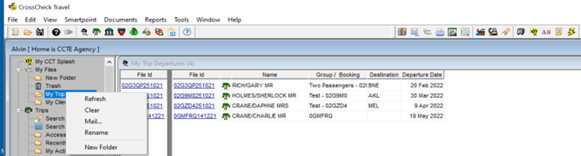
Clear – removes the content of the folder and puts it in the Trash folder
Mail – retrieves a list of files with the names and addresses displayed
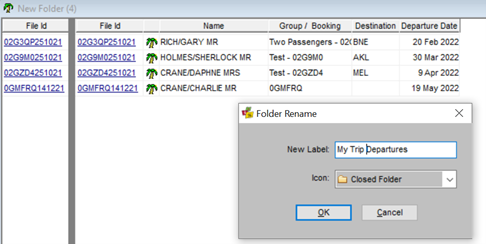
Rename- renames a folder, with or without contents
New Folder –creates a new folder. If you are in an existing folder and this function is selected, the new folder will become a subfolder of the existing folder.
Clear and Delete a Folder
- Right click on the Folder and select ‘Clear’ from the list
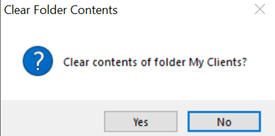
- Select ‘Yes’ to clear the contents of the Folder
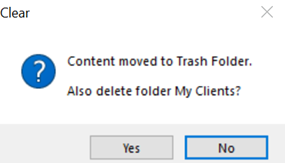
- If you wish to delete the Folder select ‘Yes’
If you wish to retain the cleared Folder select ‘No’
If sub-folders are attached to a folder they will be deleted when you select Yes