
Creditors
For Creditor Payments, see CCTE Finance User Guide.
Click on the + next to the Creditor icon to display the pre-set folders which categorise Creditors into commonly used groupings.
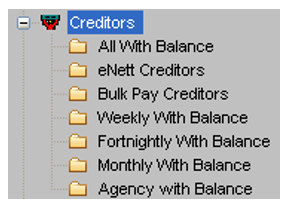
Clicking on any of these sub-folders will display a list of Creditors in the Work Area. Any file can then be opened by clicking on the hyperlink attached to the Creditor ID.
Debtors
For Debtor Payments, see CCTE Finance User Guide.
Click on the + next to the Debtor icon to display the pre-set folders for all Debtors with a balance, and a folder for all Debtors in CCTE, including a folder named ФBPAY Debtors‘.
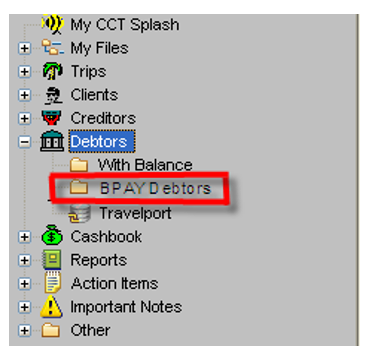
Clicking on any sub-folders will display a list of Debtors with their balance and Credit limit in the Work Area. Any file can then be opened by clicking on the hyperlink attached to the Debtor ID.
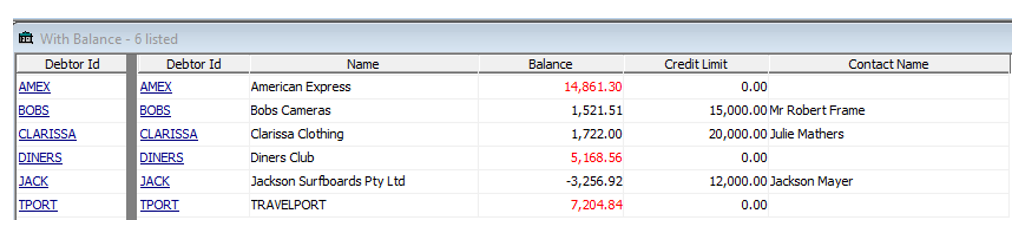
When BPAY Debtors is selected it will show all Debtors who have been allocated a BPAY CRN.
