Cashbook
The Cashbook is normally only accessed by Agency Managers and Accountants, therefore for further information, see CCTE Finance User Guide.
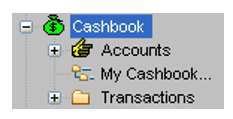
The Cashbook files record the details of all CCTE accounting transactions. Two options are available after clicking the + next to Cashbook on the MyCCT menu - Accounts and MyCashbook.
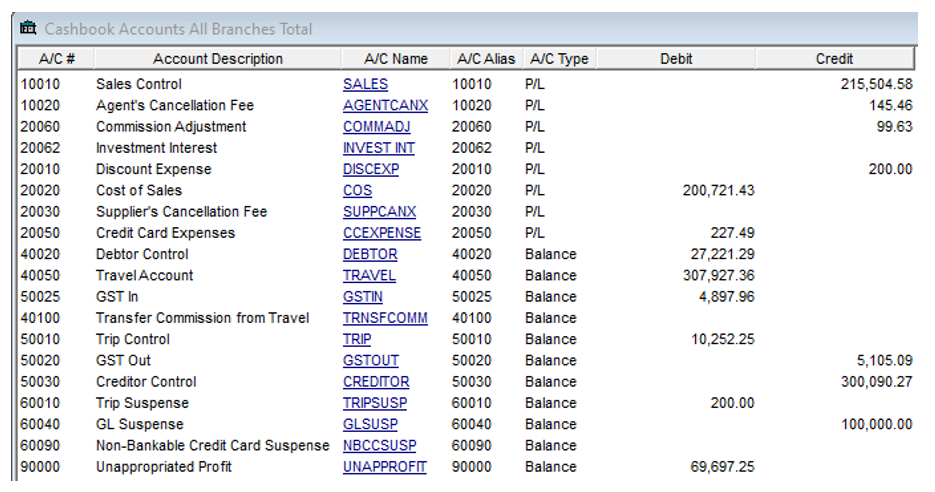
Selecting the Accounts option will display the Chart of Accounts held within the CCTE application, along with the current balances.
The My Cashbook option gives access to budgeting, forecasting and cashbook statement functionality.
Reports
For MyCCT Reports, see CCTE Finance User Guide.
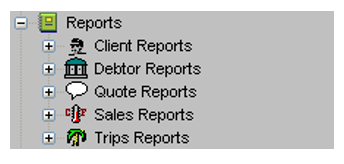
Click on the + next to the Reports icon to display the pre-set folders for Client, Debtors, Quote and Sales reports.