
A Trip file is used to store segment information and accounting transactions for each itinerary within the CCTE application. Trip files store information about passengers travelling together and have various methods of creation, the most useful being an automatic download from Smartpoint.
Opening Trip Files
Trip files can be accessed using any of the following methods:
- Using the Trip file icon on the standard CCTE toolbar

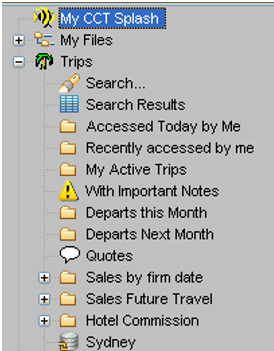
- Using the MyCCT pre-set or Trip Search folders. See "Trips" in Module 3: MyCCT
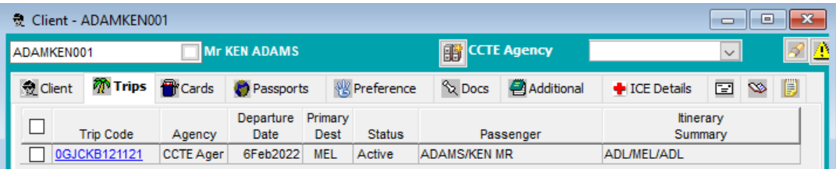
- Via the relevant Client Files. Select the Trips tab to display a list of trips linked to the client. Double clicking on a line will open the Trip file.
When you double click on a Trip file you will be prompted with message:
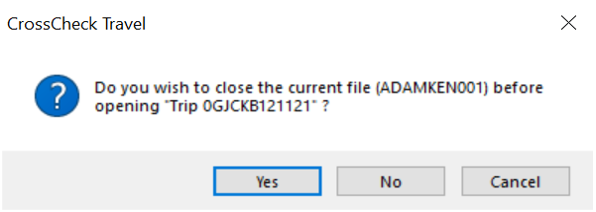
If you click Yes the Client file will Close and the Trip file will open.
If you click No the Client file will remain open in the background.