
A Client file can only be deleted if it has not been linked to a Trip file.
Open the Client file to be deleted. Ensure the Client tab is open and select the Delete option from File on the menu bar (Crtl+D). A confirmation prompt will be displayed, click Yes to confirm deletion of the file.
If the client file contains links to a trip file, the following warning will be displayed.
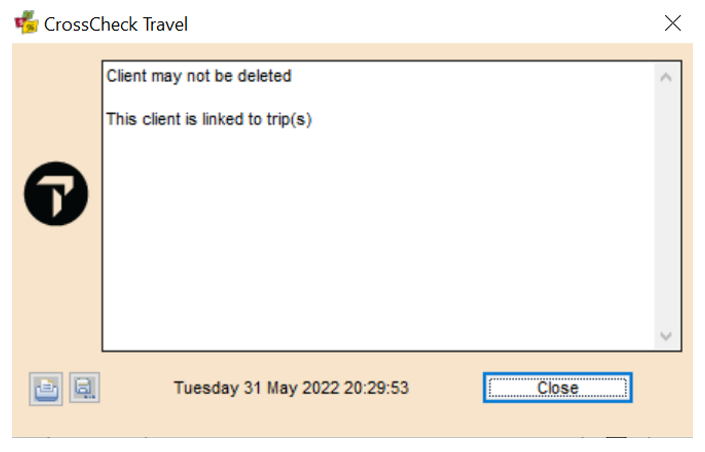
The links must be removed between the Client and Trip files. See "Unlinking" in Module 5: Trip File.