Associated Client files can be uploaded together. Before uploading check that you have the correct files linked together. A business man's file might be linked to his work colleague's files for a business trip and to his partners file for a leisure booking.
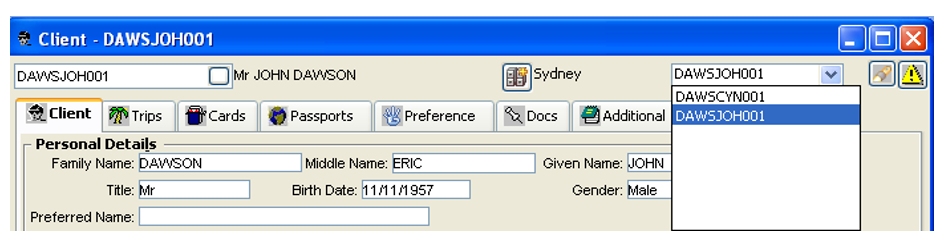
Uploading an associated Client File will automatically bring all associated names into the Upload screen, with the arrow next to the open file name.
There are minor differences in the information transmitted to the Travelport+ host when uploading Multiple Client files.
- Mileage Membership is extracted from both Client files
- Other Upload information is only taken from the open file
- Preference information is only displayed for the open file
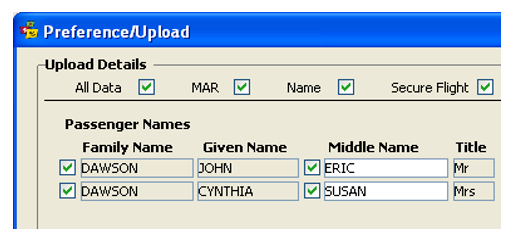
Family groups should be uploaded as Associated clients so that name format appears as required by airline grouping them together.

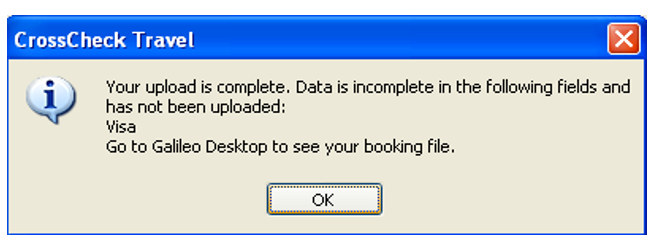
Note: If data is missing from Visa information, warning message will appear to check this data, e.g. Visa information has only been input for one passenger and both passengers are travelling together.